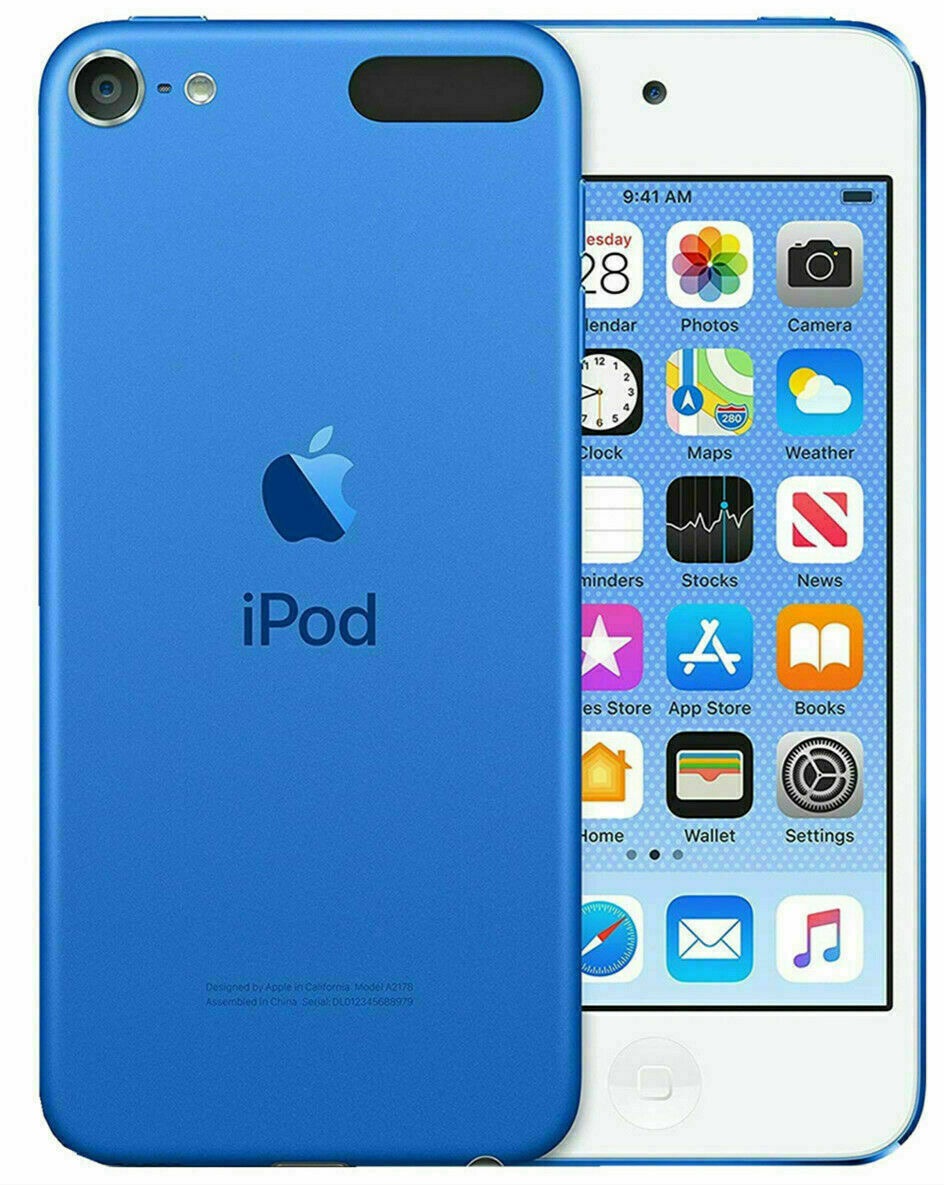
First, you will want to make sure you are running the most current iTunes for Windows. So check your Software update for iTunes. Then, verify that your songs actually play in iTunes on your PC. Create a playlist for the songs you want on your iPod. Then plug in your iPod touch to your PC and make sure it shows up in iTunes up at the top. Click on the iPod touch and then on the left column, click on Music. Click to sync this iPod to your Music library (or selected playlists). Your iPod touch can only be synced with one iTunes library (computer) so you will be asked to erase and sync the songs from the computer you are plugging it into. Click the Sync now button. You should be good to go. Test your iPod and go into the Music.app and see if your playlist and songs are there. Hope that helps.