Mac > MacBook Air > Software Setup

Bruce T. - Author

Level 1 - 0 points
Posted on 8/20/2026 4:06:00 PM

How do I effectively move my data from my old MacBook Pro to the new MacBook Air?

I have an old MacBook Pro (Retina) that is too old now and I can't go to the websites I want to because they are not supported.
I have a newer MacBook Air M1 that I want to copy all my data to. But I don't know how to best do it?

Device: MacBook Air (M1, 2020) Space Gray
Operating System: macOS Sequoia 15.5
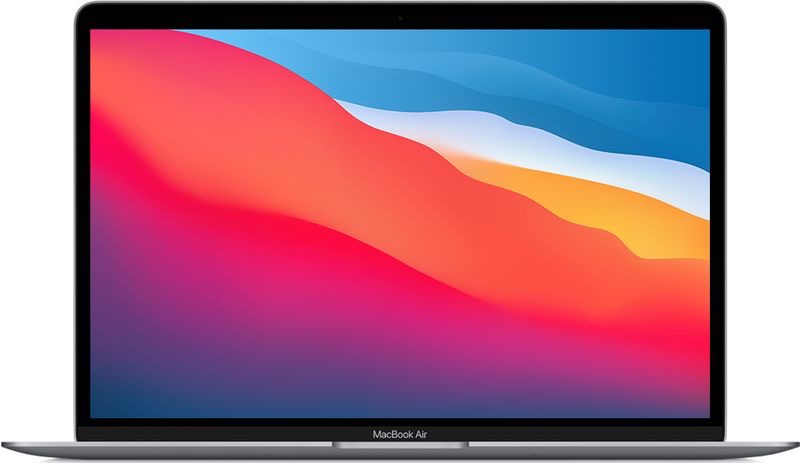
MacBook Air (M1, 2020) Space Gray

Todd D. - Contributor

Level 1 - 5 points
Posted on 9/8/2026 6:20:13 PM

Apple recommended Best answer

Effectively is the operative word. There are two ways to do it. You can do a migration using the Migration Assistant.app which will copy all of the good and the bad from your previous computer and put it on the new computer. Then your new computer will run like the old one which you may not want. The cleanest way to do it is Data Integration. This is where you don't migrate all your data, but rather go through your Time Machine backup of your previous computer and manually drag the good data you want over to the newly setup your computer.

Want to reply?

Sign in or create an account to reply, tap Helpful or say Me too.