Mac > MacBook Pro > OS Operation

Paul & Linda L. - Author

Level 1 - 0 points
Posted on 9/8/2026 4:37:19 PM

How to send out a group email?

I have a list of email addresses as a Pages document and want to send them all an email in the macOS Mail.app. What's the best way to do that?

Device: MacBook Pro (2019, w/Touch Bar) - Silver
Operating System: macOS Tahoe 26.6.2
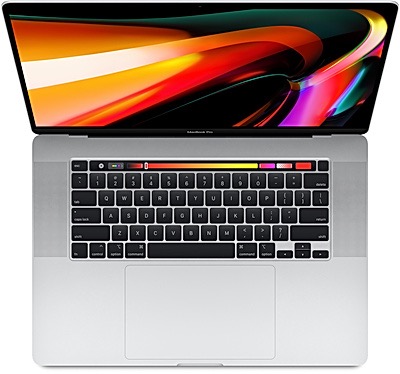
MacBook Pro (2019, w/Touch Bar) - Silver

Denis H. - Contributor

Level 1 - 7 points
Posted on 9/8/2026 4:50:34 PM

Apple recommended Best answer

I would recommend just copying all of your contacts from your pages document and just paste them into the BCC field. Then your done.

Todd D. - Level 1, posted 9/8/2026 4:43:13 PM

So the best most organized way to manage a list of Contacts is in the Contacts.app you can import all of the email addresses you have in your Pages document into the Contacts.app but you may have some of those contacts already. Then you can create a new list and add all of those contacts to that list. Once you have the list named in Contacts.app you can go to your Mail.app and just type the name of your list and all of the emails for the people in that group will appear. I'd recommend putting that list of people in the BCC field if some of them don't know each other.

Want to reply?

Sign in or create an account to reply, tap Helpful or say Me too.