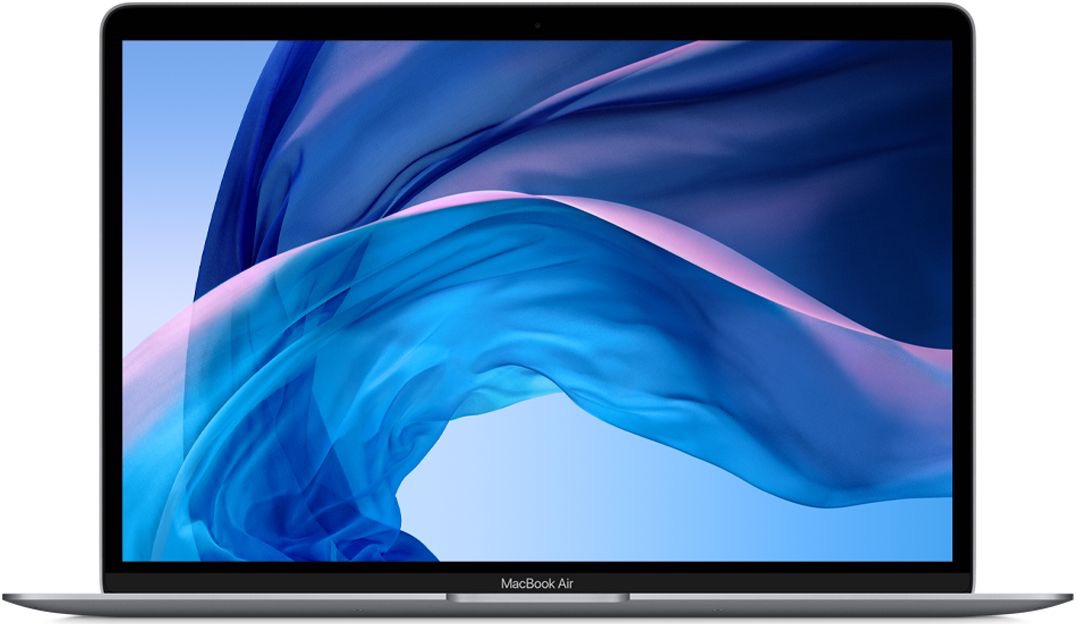
Make sure your power adapter and USB-C cable are plugged into a known good power source. If you have another computer you can plug your power adapter and USB-C cable into that device to make sure they are working properly.
If so, then plug it back into your computer. Press and hold your power button for 10 seconds to make the computer shut off. Then wait 5 seconds and press your power button (same as the Touch ID button) one time so it clicks down. The computer should make a start up chime and the screen should light up at least.
If your computer won't respond or light up at all, you'll want to schedule an appointment for service so we can perform a hardware diagnostic which costs $100. If your logic board is bad or if perhaps it requires a new battery considering the age, you may evaluate the cost to repair it vs. geting a newer MacBook Air that's not so far off the technology curve. Check out our Complete Solutions page. https://smarthelp.store/views/complete-solutions.php
If you have an iPhone, you can go to the Files.app which should be connected to your iCloud account and if you had your MacBook Air setup to sync with your Documents & Desktop, your files should be listed in iCloud/Desktop.