John D. - Author
How can I backup my MacBook Pro when my screen is damaged?
My computer just takes a beating since it's always out in the field and now I've damaged my screen and can't even see anything except digital lines.
My computer is NOT backed up and I have some very important data on there.
I don't think it's synced with iCloud or other cloud server, because I can't see those results from another of my devices.
So I'm VERY concerned about losing data. What can you recommend to not only help me repair it, but also get it backed up so I don't lose any of my data?
1. The first thing you want to do is backup by connecting an external hard drive to your Mac and possible an external screen so that you can see what you're doing. If you are not able to do that, we do offer that service. https://smarthelp.store/views/software-services.php#macosbackup
2. Once your data is backed up, you will want to make sure Find my is turned off so that a repair can be setup. You can use your iPhone and the Find my.app to do that.
3. Then we can setup an OEM repair with your AppleCare One. This will need to be verified which based on your serial number it can be at the time the repair is setup.
4. Additionally a diagnostic will need to be run https://smarthelp.store/views/hardware-repair.php#diagnosticrepair
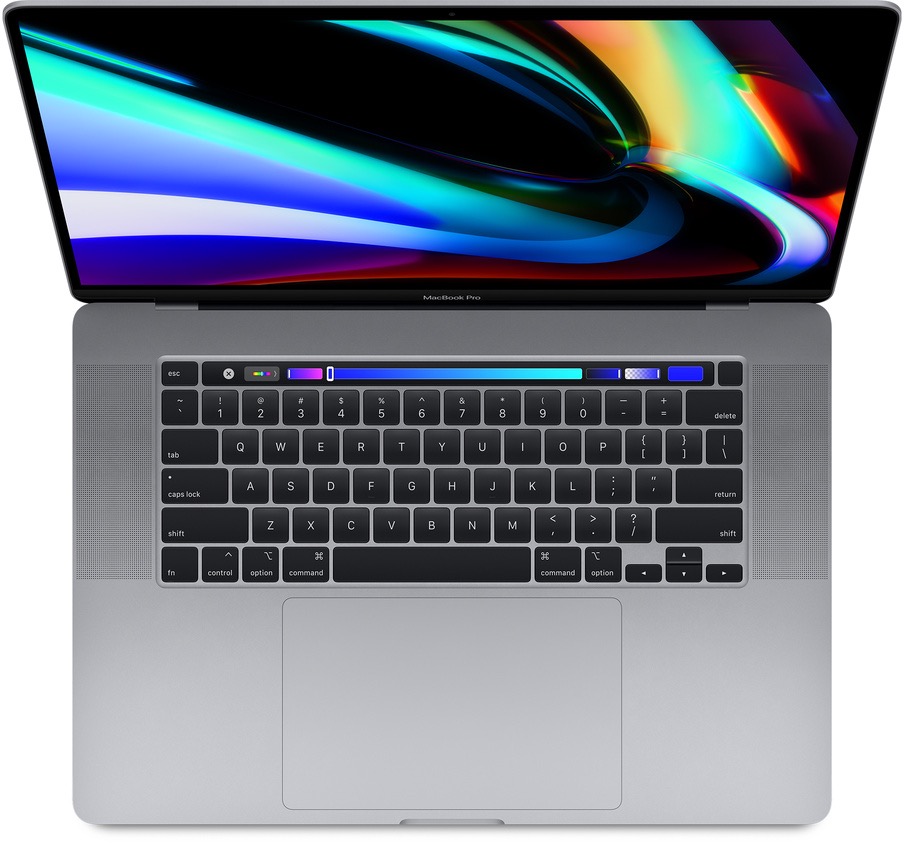
Device: MacBook Pro (2019, w/Touch Bar) - Space Gray
Operating System: macOS Sonoma 14.1.2